It sounds like a joke: an ESP32 without Wi-Fi. But think about it twice and it makes perfect sense. The H2 is built for low-power home automation: sensors, switches and Matter/Thread nodes that have to last months on a battery.
Fewer radios on = less battery. And if you already have a border router at home, a device does not need its own Wi-Fi.
What it is
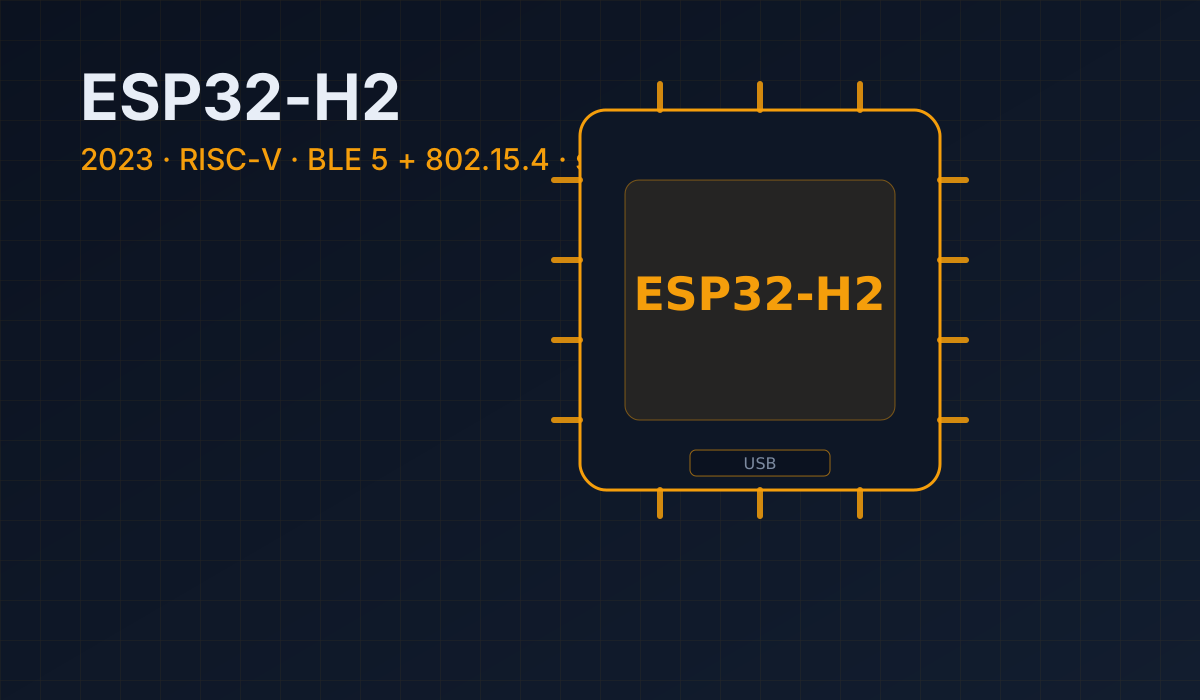
It is a single-core RISC-V SoC focused on low-power wireless, with the flash inside the chip itself (2 or 4 MB), which simplifies the design a lot.
| Thing | Value |
|---|---|
| Core | 1 × low-power RISC-V |
| SRAM | 320 KB (+ 4 KB LP memory) |
| ROM | 128 KB |
| Wi-Fi | none |
| Bluetooth | BLE 5 |
| 802.15.4 | Thread / Zigbee / Matter |
| GPIOs | 19 programmable, with ADC |
| USB | native Serial/JTAG |
| Flash | 2 or 4 MB integrated (SiP) |
Why no Wi-Fi (and why that is fine)
The H2 is a node chip, not a gateway. In a Thread network all devices talk to each other and only one (the border router) needs Internet access. The rest can spend their energy on what matters: measuring and sleeping.
Result: a well-slept H2 uses far less than a C6 with Wi-Fi on. And it does not compete for spectrum with your home Wi-Fi.
Pins: what you should know
The H2 brings 19 programmable GPIOs with ADC, SPI, UART, I2C, I2S, RMT, GDMA and PWM support. The exact mapping depends on the module, so for fine detail check the datasheet. What is worth keeping clear:
- One block of pins acts as ADC; use it for analog sensors.
- There are strapping pins and pins taken by the internal flash: do not use them.
- USB Serial/JTAG to flash and debug with no external chip.
Boards and modules
- ESP32-H2-MINI-1 — the small module (the usual one, with integrated flash).
- ESP32-H2-DevKitM-1 — the development board.
- ESP32-H2-WROOM-1 — the classic module.
When to pick it (and when not to)
Yes, pick the H2 if…
- You are doing Matter/Thread/Zigbee automation and want maximum runtime.
- You need a small, cheap node that only speaks 802.15.4/BLE.
- You want integrated flash to reduce parts on your PCB.
- You already have a border router and do not need Wi-Fi on the node.
Do not pick it if…
- The device needs to reach the Internet on its own → C6.
- You are doing plain Wi-Fi → C3.
- You need camera, audio or AI → S3.
- You need lots of GPIOs → S3 or P4.
Typical mistakes
- Buying it assuming it has Wi-Fi (it does not, and no firmware fixes that).
- Trying to use it as a gateway: for that you need a C6 (or a C6 + H2).
- Forgetting that its whole point is sleeping: keep it awake all the time and you lose the advantage.
Summary
- Single low-power RISC-V, 320 KB SRAM and integrated flash.
- BLE 5 + 802.15.4 (Thread/Zigbee/Matter) and no Wi-Fi.
- 19 GPIOs with ADC and USB Serial/JTAG.
- It is the ideal chip for battery Matter nodes.
- For a gateway or Wi-Fi, prefer a C6.
Next step: the ESP32-P4, the new radio-less chip for displays and high performance. Or go back to the series hub.